Yes. We offer a free 14-day trial, no credit card required. You get full access to the platform so you can see real results before committing.
How do I respond to customer reviews with BravoClient?
You don't have to do anything manually. BravoClient's AI analyzes and automatically responds to reviews, while giving you the option to review, edit, or disable responses at any time. You stay in control, with no daily effort, in your brand's tone of voice.
Can I manage multiple locations with BravoClient?
Yes. Whether you manage a single location or multiple ones, BravoClient centralizes all your reviews in a single dashboard and handles reviews across all your locations with ease.
How do I use BravoClient widgets on my website?
BravoClient lets you create customizable review widgets (carousels, badges, grids). Simply copy the generated HTML code and paste it on your site — no technical skills required.
How do I share customer reviews on social media with BravoClient?
In the "Social Media" section, connect your Facebook and Instagram accounts, customize colors and text to match your brand, then publish your reviews in just a few clicks.
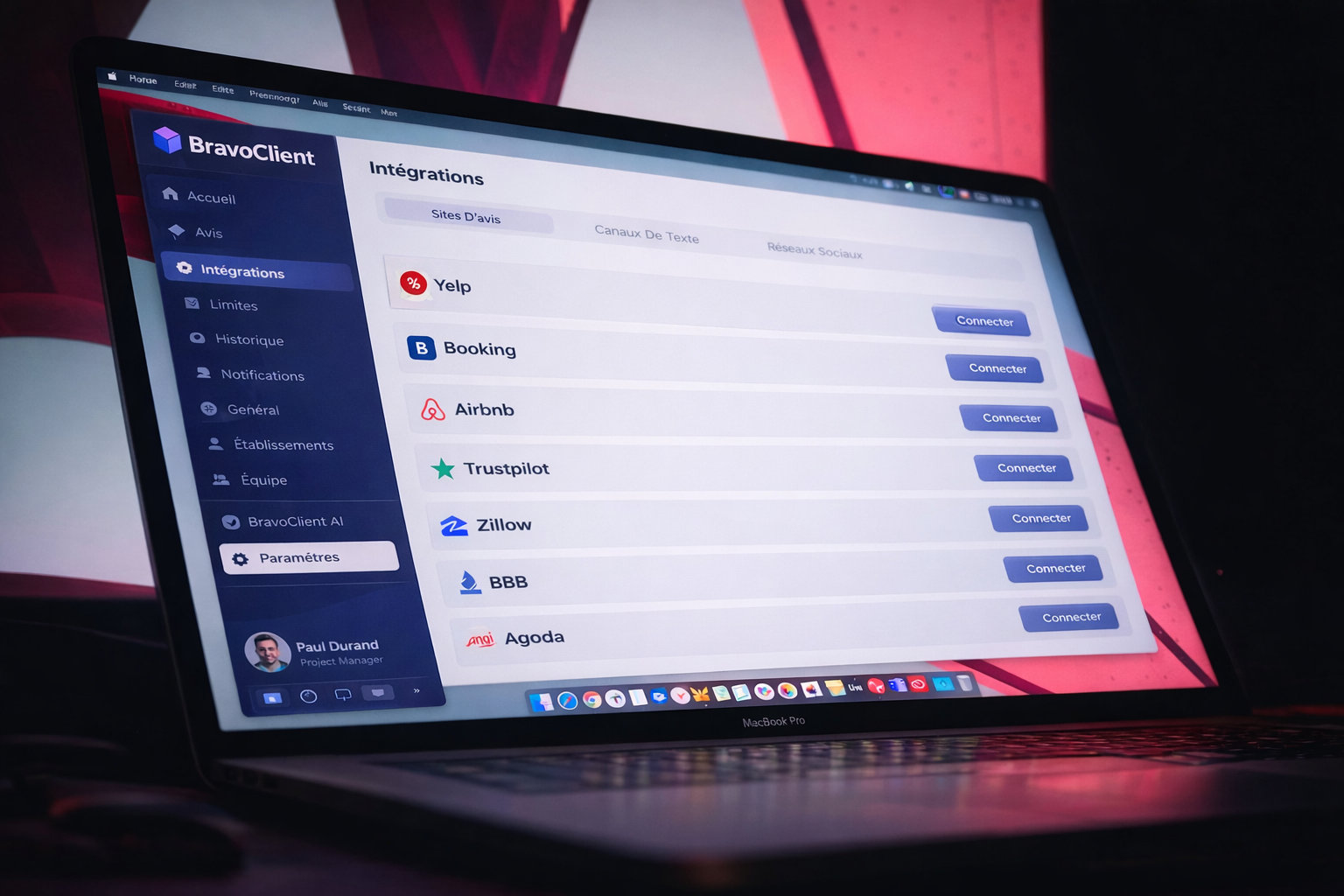
Which review platforms are compatible with BravoClient?
How do I send a review link or QR code to my customers?
From the "Collect Reviews" section, generate a link or QR code and share it via NFC, SMS, email, WhatsApp, or print it for in-store use. Collecting reviews becomes quick and easy.
How do I connect my Google account to BravoClient?
Go to the "Integrations" section and connect your Google Business profile in one click. The process is secure, guided, and requires no manual setup.
How do I connect my Facebook account to BravoClient?
In the "Integrations" section, select Facebook and follow the steps to connect your Facebook Business page. Setup takes less than two minutes and you remain in full control of your data.
Can I control the display of negative reviews?
Yes, depending on how the review is collected. When a customer leaves a review through a QR code or a BravoClient link, negative review filtering applies. If the review falls below the threshold you set (for example, less than 3 stars), the customer can leave private feedback, but the review is not published publicly. This allows you to identify the issue and respond internally before anything goes live. However, if a customer posts a review directly on Google, it is immediately visible and cannot be filtered. In that case, BravoClient helps you generate a professional, optimized response to protect your online reputation.
1
Create your account in 2 minutes
Enter your business details and you're good to go.
2
Connect your platforms
Link Google, Tripadvisor, Facebook, and 20+ platforms in just a few clicks.
3
One central dashboard
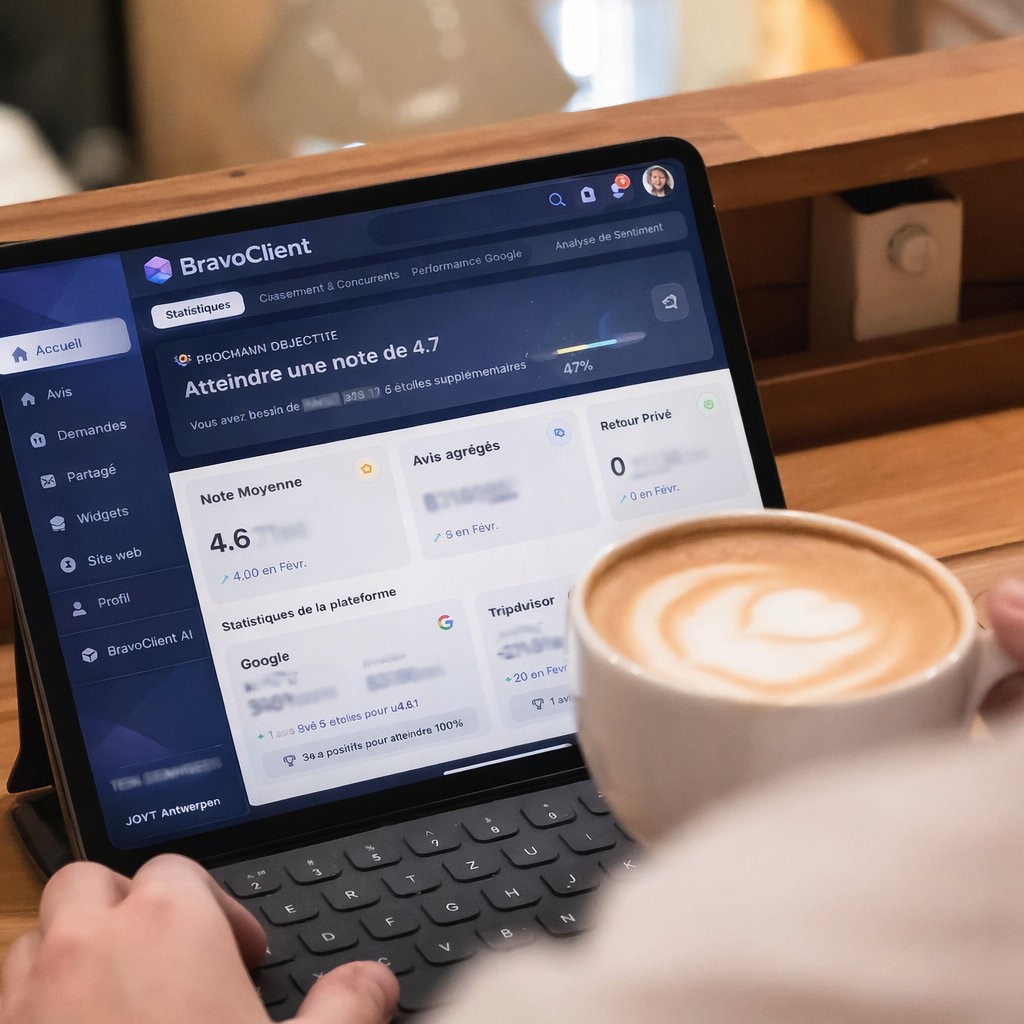
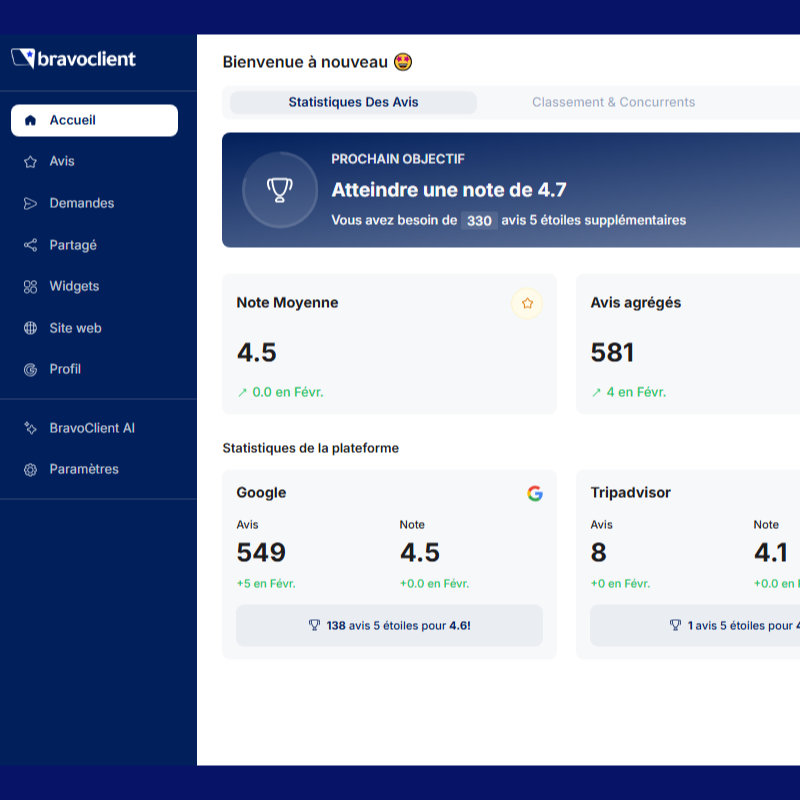
Reviews, rankings, competitors, Google performance, and customer sentiment — all in one place.